



























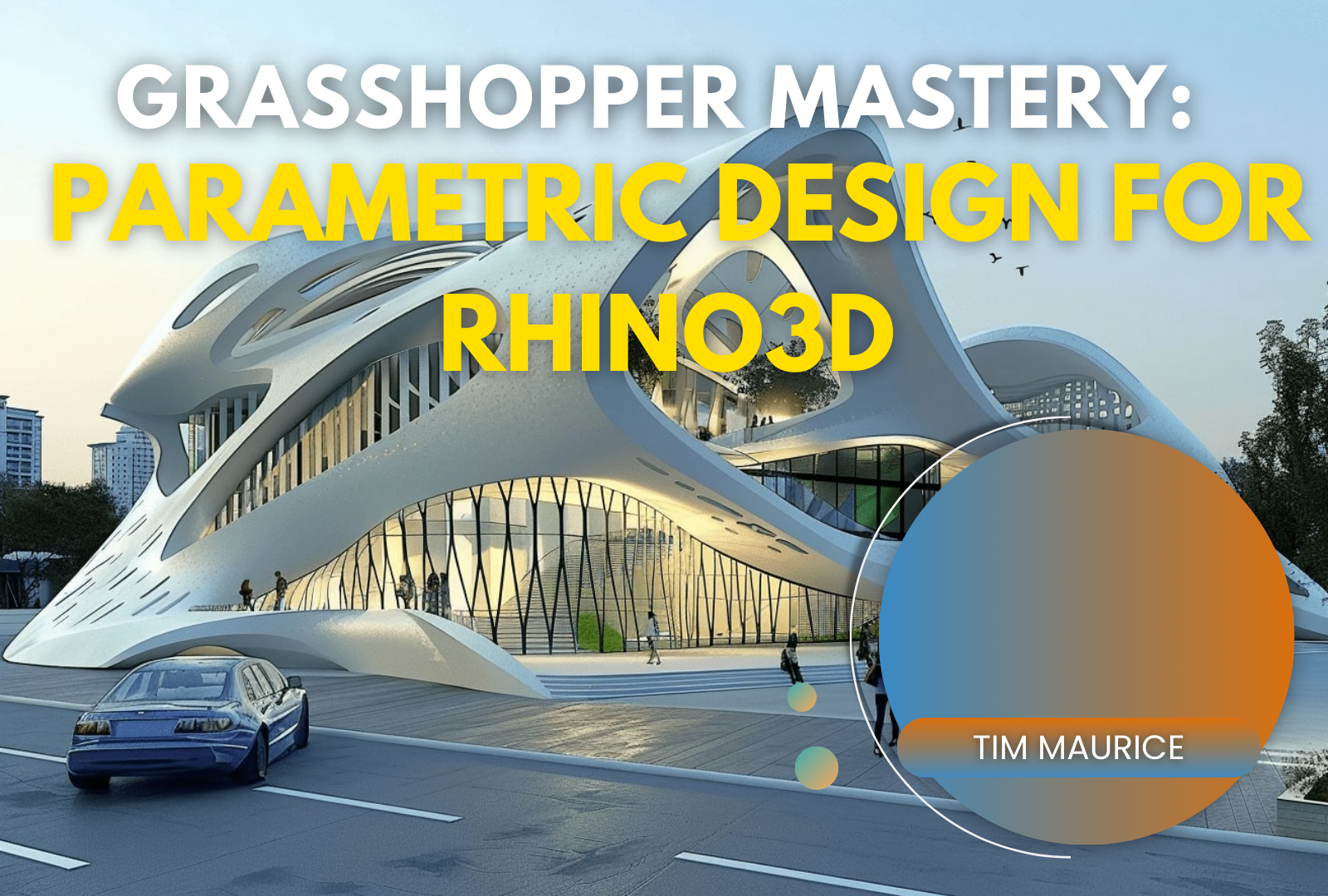
Grasshopper Mastery: Parametric Design for Rhino3D

Instructor
About This Course
Grasshopper Mastery: Parametric Design for Rhino3D
Master the Art of Parametric Design & Visual Scripting – No Coding Required!
🚀 Unlock the Power of Grasshopper & Rhino3D to Create Intelligent, Adaptive Designs 🚀
Are you an architect, designer, or engineer looking to take your 3D modeling skills to the next level? Do you want to create complex, parametric designs without writing a single line of code?
✅ Grasshopper is the game-changing tool that allows you to build dynamic, responsive models inside Rhino3D. This course will take you from complete beginner to an advanced parametric designer, step by step!
🔹 What You'll Learn
✔️ Master the Grasshopper Interface – Navigate like a pro & understand key components
✔️ Parametric Modeling Fundamentals – Create dynamic models with visual scripting
✔️ Data Structures & Automation – Work with lists, trees & manage complex datasets
✔️ Interoperability with Revit & Blender – Integrate your designs into advanced workflows
✔️ Paneling & Facade Design – Generate innovative facade patterns & structures
✔️ Fabrication & Digital Manufacturing – Prepare models for 3D printing & CNC milling
✔️ Visualization & Rendering – Present your projects with stunning visuals
🎯 By the end of this course, you will be able to:
- Create adaptive & automated 3D models
- Optimize designs for performance & fabrication
- Work seamlessly between Rhino3D, Grasshopper, & Revit/Blender
- Monetize your skills by offering freelance or professional design services
🔹 Who Is This Course For?
✅ Architects & Interior Designers – Looking to create algorithmic, generative designs
✅ Engineers & Fabricators – Who want to prepare models for construction & manufacturing
✅ Product & Industrial Designers – Seeking to enhance 3D workflows
✅ Students & Beginners – No prior coding experience needed!
💻 What’s Inside the Course?
✔️ 10+ In-Depth Modules covering every aspect of Grasshopper
✔️ Step-by-Step Written Lessons for easy understanding
✔️ Real-World Examples & Projects to apply your learning
✔️ Downloadable Grasshopper Files to practice & modify
✔️ Lifetime Access – Learn at your own pace, anytime, anywhere
🔥 Why Choose This Course?
🚀 Hands-On Learning: Practical exercises with instant feedback
🚀 Structured & Beginner-Friendly: No prior knowledge required
🚀 Industry-Ready Skills: Learn what top firms use in real-world projects
🚀 Certificate of Completion: Show off your new skills to clients & employers
🎯 Bonus: Free Access to Future Course Updates!
💰 Special Offer – Enroll Now!
📢 Limited-Time Discount – Get 50% Off Today!
🎓 Usual Price: $199 Now Only $99!
🔗 Enroll Now & Start Designing Smarter!
🚀 Join 1,000+ Designers Who Have Transformed Their Skills with This Course! 🚀
💡 Questions? Contact Us at support@digyprime.com
🔥 Don’t miss this opportunity to future-proof your design career! 🔥
Timothy Igat Anak Maurice
Curriculum Overview
This course includes 1 modules, 2 lessons, and 0:20 hours of materials.
Summary of Chapter 1: Introduction to Grasshopper & Rhino3D Interface
Grasshopper is a **visual programming plugin** for Rhino3D that allows designers to create **parametric models** without traditional coding. Instead of manually adjusting designs, users build **logic-based scripts** using **graphical components**.
Key Takeaways:
✔️ **Rhino3D & Grasshopper Overview** – Rhino is a powerful CAD tool, and Grasshopper enhances it with automation and parametric design.
✔️ **Grasshopper Interface** – Components are connected visually on a **canvas**, replacing manual modeling with rule-based automation.
✔️ **Core Components & Data Flow** – Grasshopper uses **parameters, mathematical operations, transformations, and geometric tools** to create designs.
✔️ **First Project: Parametric Circle** – By using a **Number Slider** and a **Circle Component**, users can create a dynamically adjustable circle.
✔️ **Expanding with Plugins** – Tools like **Kangaroo, Weaverbird, and LunchBox** enhance Grasshopper’s capabilities.
Key Learning Outcome:
After this chapter, you should be familiar with **Grasshopper’s interface, how components interact, and how parametric design differs from traditional modeling.**
🔥 **Next Step:** Explore **Parametric Design & Visual Scripting** to start building **intelligent, algorithmic models**! 🚀
Course Specifications


Send Course as Gift

Additional Links
Login Register Contact Certificate Validation Become Instructor Privacy Policy Terms of ServicesPopular Categories
High Education AI Technologies Academics Marketing Business Islamic Education LifestyleContact US


Reply to Comment