



























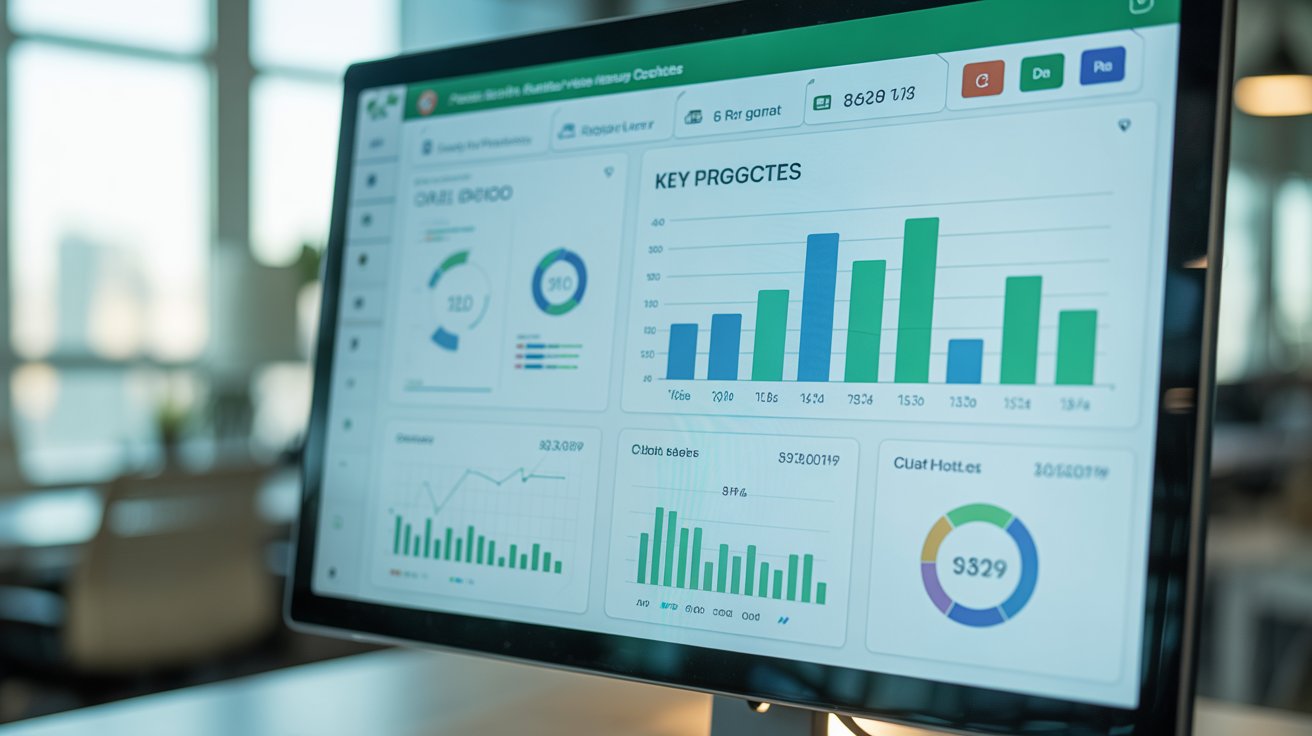
Dashboard Mastery in Excel: Simple Steps to Impressive Visuals

Instructor
About This Course
Tired of boring spreadsheets? Want to turn your data into eye-catching dashboards—even if you’re not a tech wizard? You’re in the right place! “Dashboard Mastery in Excel: Simple Steps to Impressive Visuals” is made for students, professionals, and anyone who wants to impress with dynamic Excel dashboards.
FACT:
Most people only use basic features in Excel, missing out on incredible dashboard tools that can simplify analysis and make reports shine. With the right steps and templates, anyone can create interactive visuals, not just data experts!
SOLUTION:
This course breaks everything down into simple steps. You’ll learn:
- How to prepare and clean your data, even if it comes from messy sources
- Techniques to create interactive bar, pie, and line charts that update automatically
- Easy methods to build KPI indicators and progress bars so your performance stands out
No more confusion, no more ugly reports—just clear, step-by-step guides, downloadable Excel templates, and quick quizzes you can use right away.
WHO IS THIS FOR?
- Students (foundation, diploma, degree) who need to visualize data for assignments
- Professionals who want to turn boring numbers into impressive dashboards
- Teachers who want ready-to-use dashboard guides for class
- Anyone wanting to boost their Excel skills for work or study
ABOUT THE INSTRUCTOR:
Hi, I’m Aida—an experienced IT lecturer with a passion for making tech simple and practical. I’ve taught students and young professionals at all levels. With this course, I’ll guide you through every step, no matter your starting point.
TESTIMONIAL:
"After just one module, I made my first real dashboard for class. The templates made it so easy—I finally understood how to show my data in a cool way!”
– Faris, Diploma Student
INVESTMENT & SPECIAL OFFER:
Get lifetime access to all lessons, templates, and quizzes for a special launch price! Secure your place now and unlock the power of Excel dashboards for your next project.
FAQs:
- Do I need to be an Excel expert?
No, this course is designed for beginners and intermediate users. - Are there templates to download?
Absolutely! You’ll get ready-made Excel files to try right away. - Can I ask for help if I’m stuck?
Yes, there’s support in the Digyprime community and email.
Aida Raihanah Binti Mohd Marzuki
Curriculum Overview
This course includes 3 modules, 3 lessons, and 1:30 hours of materials.
data cleaning excel basic
kpi visual
Course Certificate
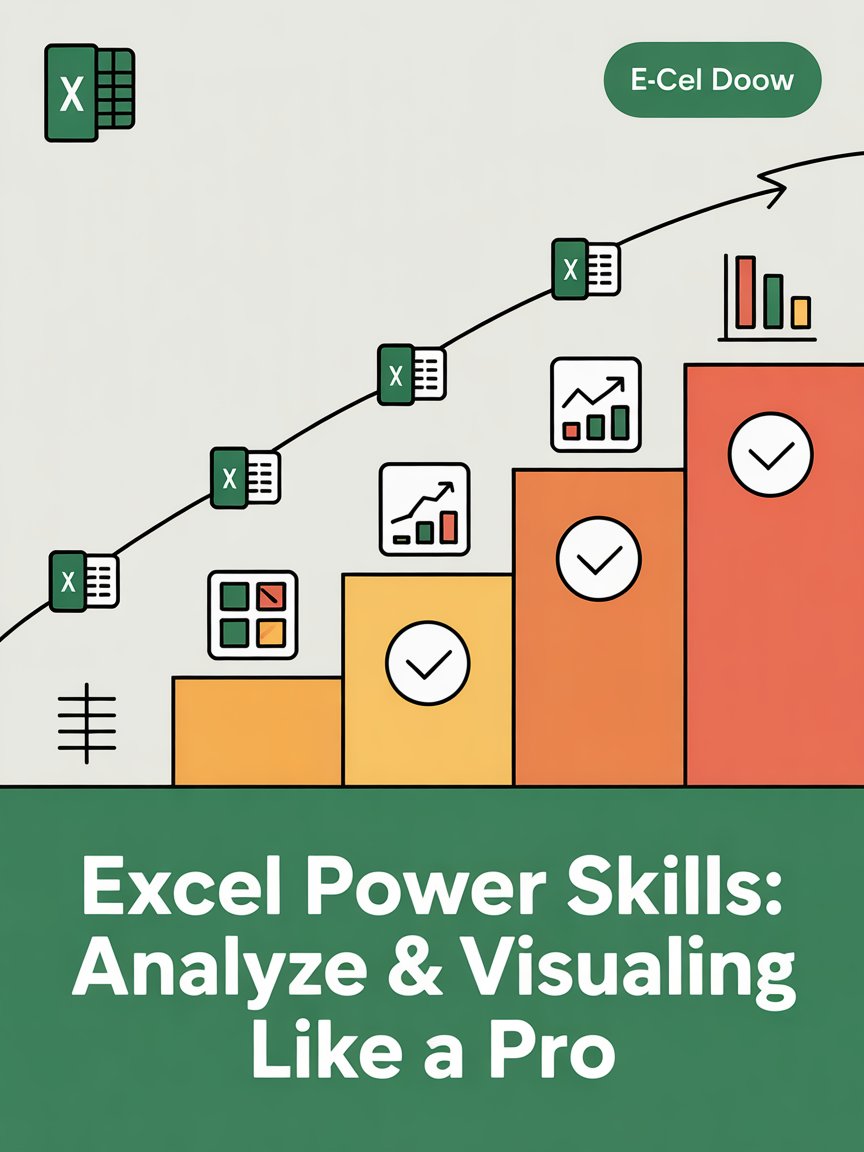
Course Specifications


Send Course as Gift

Additional Links
Login Register Contact Certificate Validation Become Instructor Privacy Policy Terms of ServicesPopular Categories
High Education AI Technologies Academics Marketing Business Islamic Education LifestyleContact US


Reply to Comment